Does Page Speed Affect SEO? Yes, but Probably Not the Way You’re Afraid Of
Does page speed affect SEO? Yes. But a red PageSpeed Insights score rarely sinks your rankings by itself.
You ran the test on your most important page, and the number came back low. Your stomach dropped because you worked hard for those visitors, and you don’t want to lose them.
Speed is our day job at AirLift, so we know that feeling well. We’ve also learned that the score is only the start of the story. Here’s the full picture, starting with what Google has actually said.
TL;DR: Page speed is a real ranking consideration, but relevance still matters more. Find the slowdown that frustrates real visitors on your key pages, fix the biggest one, and retest the whole visit. Don’t chase a perfect score for SEO’s sake.For WordPress sites, Airlift can handle image, CSS, JavaScript, font, and caching optimizations once you’ve identified what needs fixing.
What Google says about speed
Google has used site speed in search ranking since 2010, when the signal applied to desktop results. In July 2018, Google extended page speed as a ranking factor to mobile searches. Google said that update would only affect pages that deliver the slowest experience, and only a small percentage of queries.
Google also said a slow page can still rank well if its content is strong and fits the search. That part gets forgotten a lot.
Google’s page-experience documentation now says that Core Web Vitals are used by its ranking systems. It also says there is no single page-experience signal, and that other page-experience aspects don’t directly help a site rank higher. The same page adds that trying to get a perfect score just for SEO reasons may not be the best use of your time.
So speed counts, but it works alongside relevance.
LCP (Largest Contentful Paint) is how long the main content takes to appear. Good is 2.5 seconds or less.
INP(Interaction to Next Paint) is how quickly the page responds when someone taps, clicks, or types. Good is 200 milliseconds or less. INP replaced First Input Delay in March 2024, so a guide that still mentions FID is out of date.
CLS(Cumulative Layout Shift) is how much content jumps while the page loads. Good is 0.1 or less.
Google judges each metric at the 75th percentile of page views. That means three out of four visits need to meet the “good” mark for the page to pass. Google chose that cut-off so one terrible connection can’t skew the result, while most visitors still count.
📝 Note: You may still see a “two-second rule” in older posts. Google doesn’t measure pages that way now.
What PageSpeed Insights is really measuring
Most people read a PageSpeed Insights result as a verdict on their site. It’s more useful than that once you know what sits behind the number.
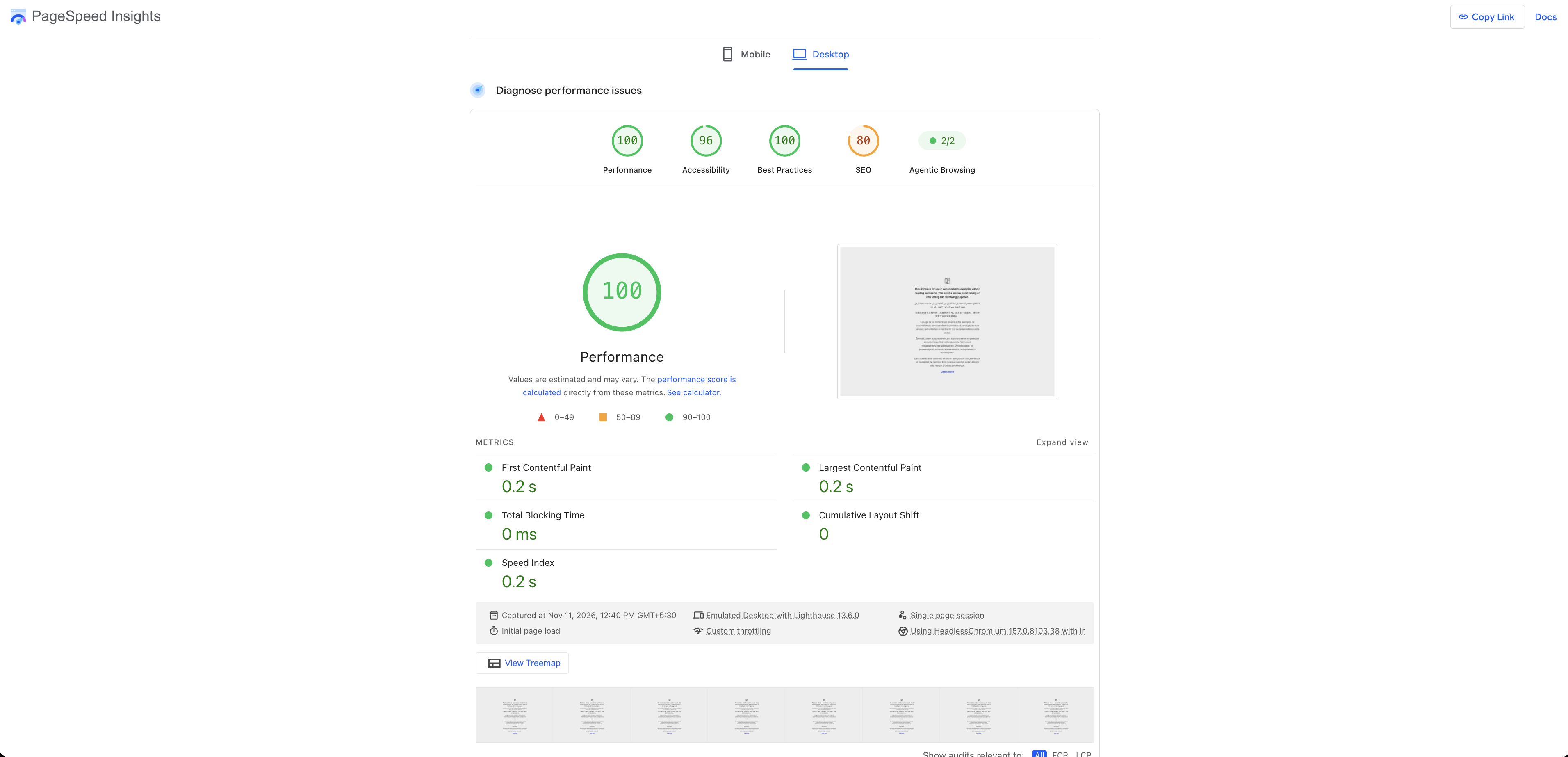
The lab score is a test, not your visitors. Google’s documentation says the lab section simulates a mid-tier device, a Moto G4, on a mobile network. Desktop results use an emulated desktop on a wired connection. A score of 90 or above counts as good, 50 to 89 needs improvement, and below 50 is poor.
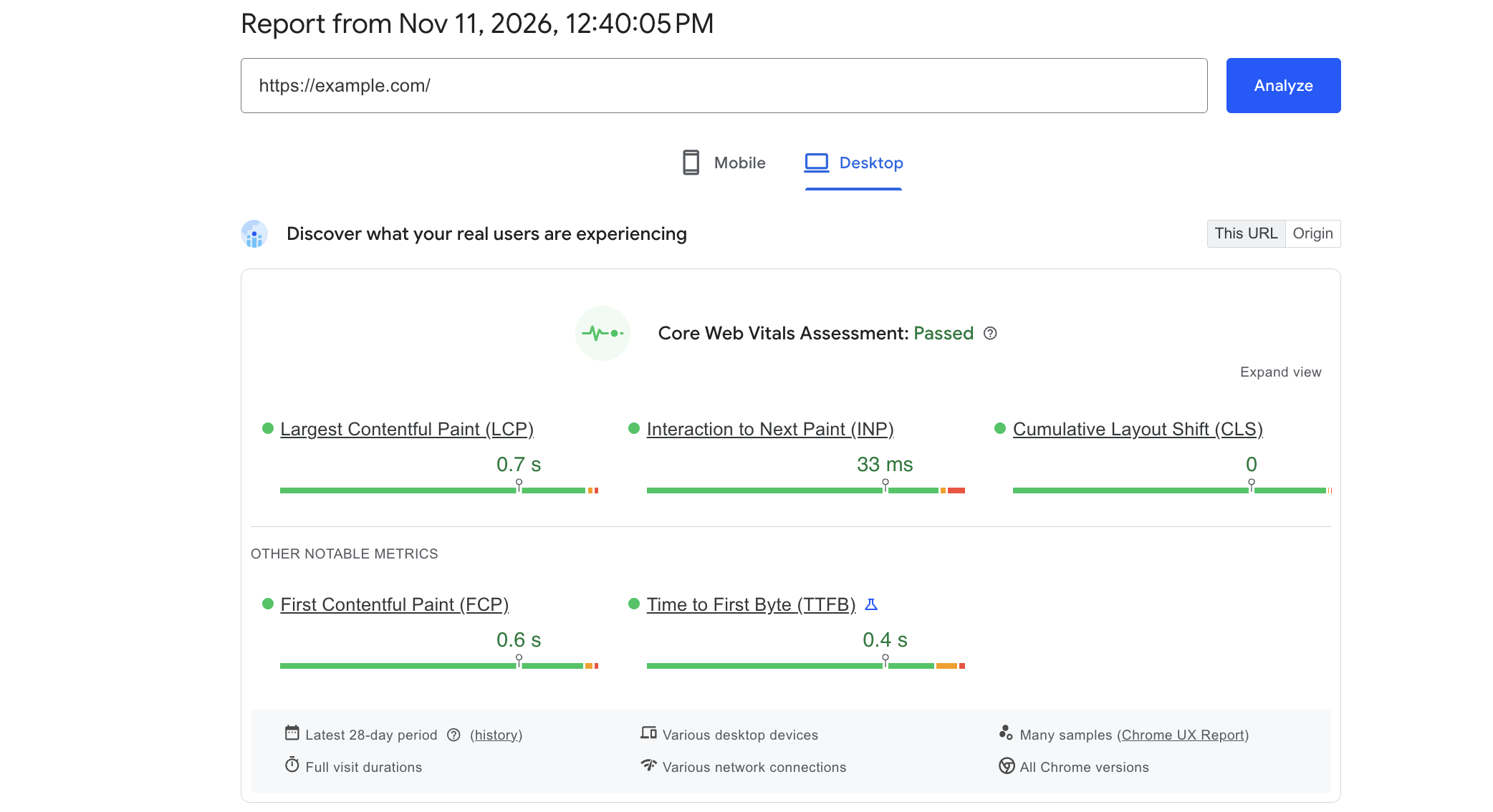
The field data is your real audience. It comes from the Chrome User Experience Report, which covers real Chrome visitors over a rolling 28-day window. The data updates daily. It only appears if the URL is public and has enough samples.
The two can disagree, and that’s expected. Google’s own help says a good lab score doesn’t guarantee good real-user experience. A lab test controls for one device and one network, while your visitors use everything from fast laptops to older phones on patchy connections.
📝 Note: Lab scores also shift from run to run, even with no changes on the page. Run the test two or three times and look at the pattern, not one number.
Why mobile gets the closest look
Google has finished its move to mobile-first indexing. From July 5, 2024, it crawls all sites with its smartphone crawler, so Google looks at the mobile version of your site first.
That changes what you should test. A desktop score can look excellent while the mobile experience, the one Google indexes, has heavier images or a slower menu. Check mobile results first, and treat desktop as the second opinion.
How to read a report without panicking
Work through a report in this order.
Check the field data first. If your URL has real-visit data, that tells you how visitors actually experience the page.
Note which metric fails. LCP, INP, or CLS? Each one points to a different cause.
Open the diagnostics for that metric. Look for the item that accounts for the most delay.
If the field data is missing, use the lab results as your guide, and say so in your notes. Note which metric fails. Is it LCP, INP, or CLS? Each one points to a different cause.
Start with the pages that earn you money
Test your best article, your key product or service page, your landing pages, and any page where someone signs up, buys, or gets in touch. Your homepage often uses a different template from the rest of the site, so it can look fine while the pages that matter struggle.
Begin with Search Console’s Core Web Vitals report. It groups your URLs into good, needs improvement, and poor, using real visit data. That shows you where the trouble really sits.
Write down the page, the device, and the date before you change anything. A single run is a clue, not a verdict, so compare like with like.
Find the bottleneck first
Most slow pages have one or two main problems. Look for these:
A large image that loads late, especially the first image people see.
Weak caching, so the server repeats work it has already done.
Caching helps, but it won’t fix an oversized hero image or a script that runs too early. A CDN serves files from locations closer to visitors, but it won’t fix a slow database or a messy template.
After each change, walk the whole visit on desktop and mobile. Check menus, forms, carts, logins, videos, and layout. A better score doesn’t help if the checkout breaks.
📝 Note: Overlapping tools cause trouble. If a caching plugin and an optimization tool both minify or defer the same files, you’ll get broken pages and results you can’t explain.
When to stop
Stop when the biggest real bottleneck is fixed and your important pages pass for real visitors. A small lab warning on a page that already works isn’t worth another afternoon.
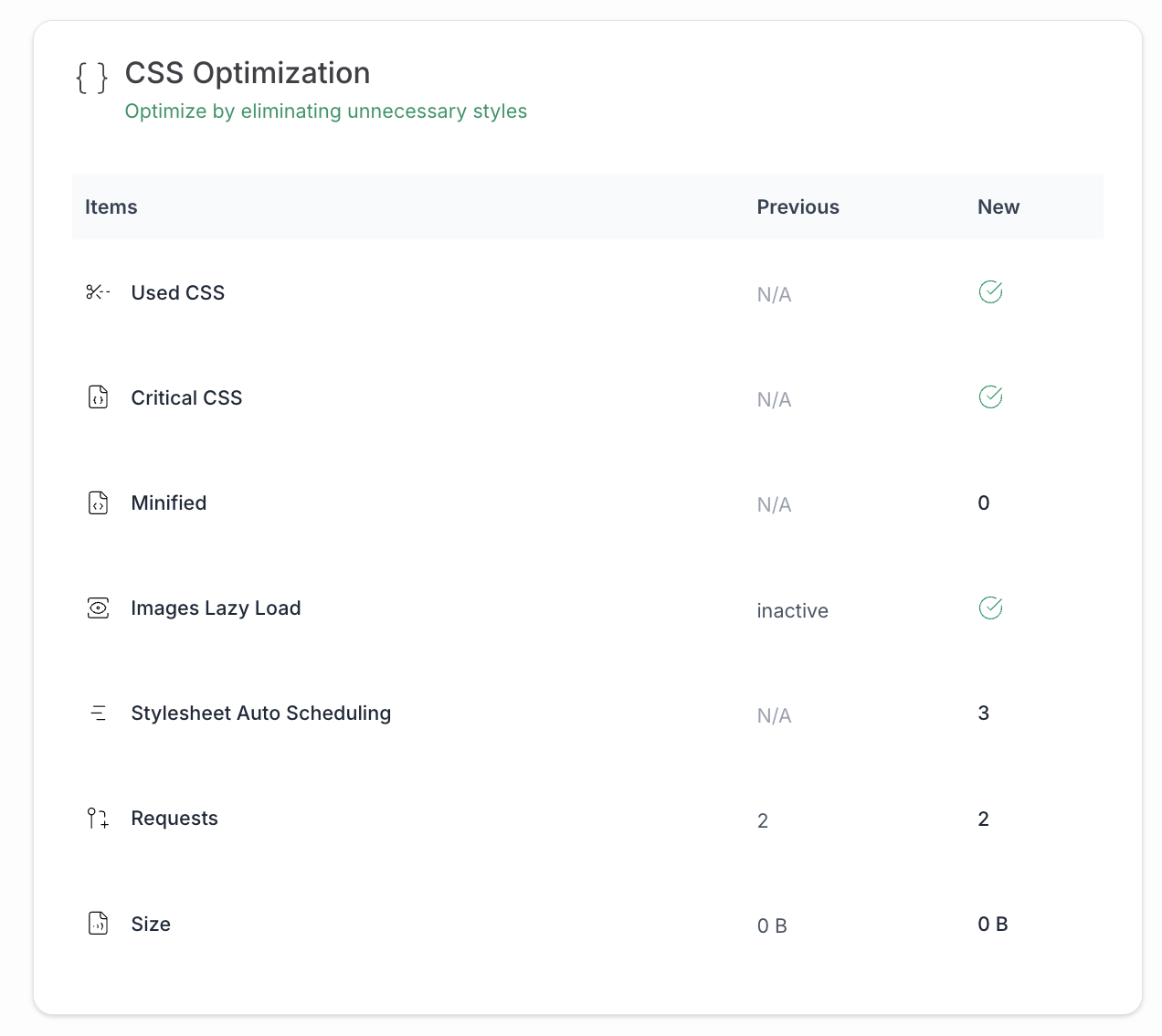
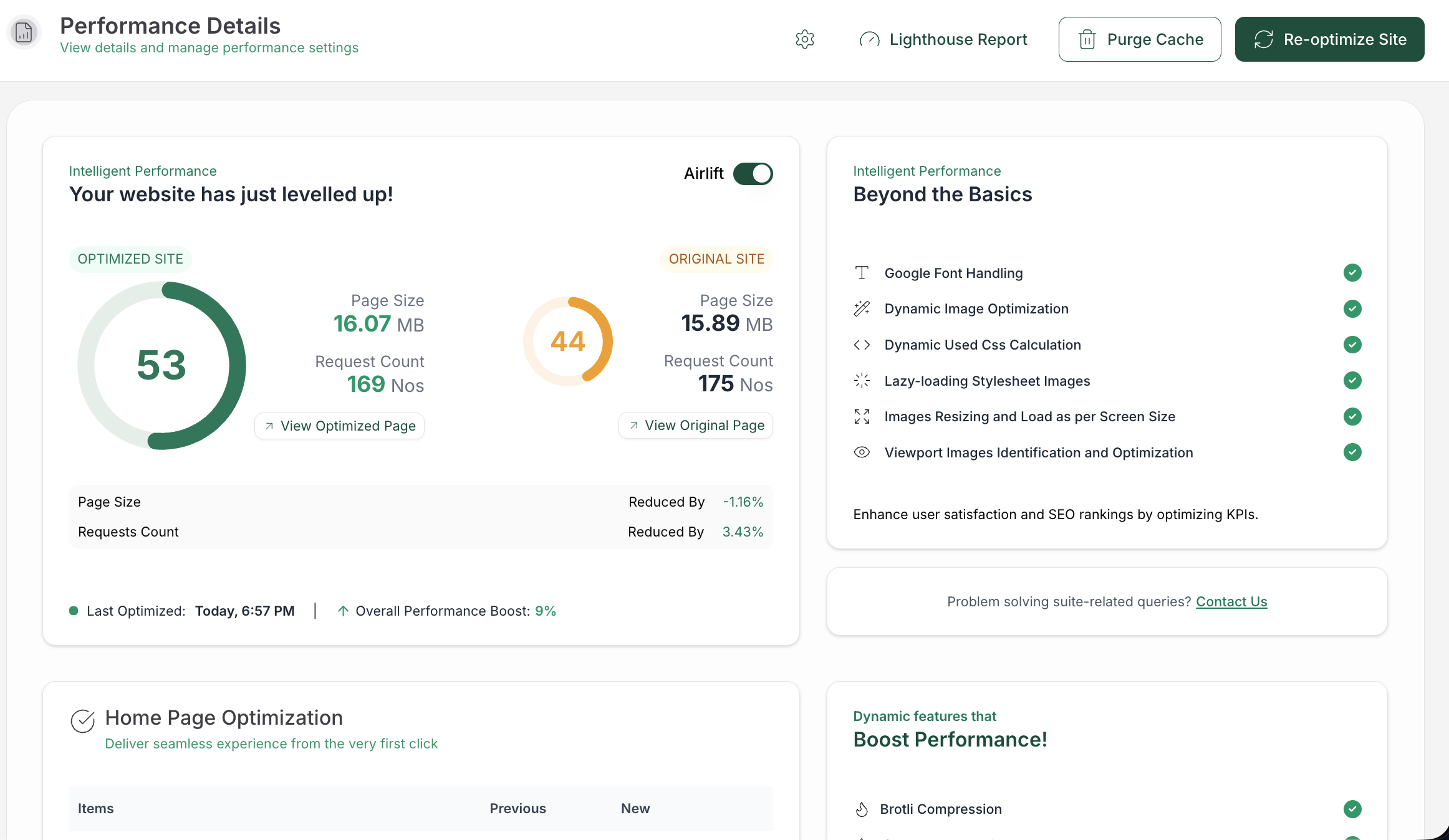
Once you know the bottleneck, a tool can handle some of the grunt work. AirLift, our WordPress speed tool, works on images, CSS, JavaScript, fonts, and caching, and it acts on the finished page your visitors receive.
If the problem is hosting capacity, a custom script that needs rewriting, or an interaction that needs redesigning, a tool won’t solve it. A developer or a better host will.
FAQs
Will fixing speed raise my rankings quickly?
Not reliably, and not on a set schedule. A real fix improves the experience, and a better experience supports your rankings. Relevance and content still carry most of the weight.
Does mobile speed matter more than desktop?
Mobile usually deserves the closer look, because Google indexes the mobile version of your site. Test the devices and networks your visitors use, and make sure the mobile page holds the content they came for.
Can speed work break my site?
Yes. Changes to caching, JavaScript, or CSS can break menus, forms, carts, and layouts. Test the key flows after each change, and keep a way to undo it using a backup plugin.
Should I install several speed plugins?
Usually not. Several tools can process the same files, which causes conflicts and muddies your results. Find the bottleneck, then use the fewest tools that fix it.
Why does my score change even when I change nothing?
Lab tests simulate a load, so results vary between runs. Run the test several times and look at the pattern. Field data is steadier because it reflects real visits over 28 days.
Conclusion
Page speed affects SEO, but it works alongside relevance, and Google’s own guidance points toward a pleasant experience rather than a perfect score. Measure the pages that matter, fix the biggest real bottleneck, and check the whole visit when you’re done.
Then give your readers, customers, and search engines the same thing: a page that works.