

WordPress CDN: What It Does and When You Need One
Sometimes a WordPress site is slow, but not for everyone. It loads fine for you. Then a customer in another country says the images take forever. A speed test from your city looks…
Read

If you’ve tried to enable caching and visitors are now seeing old CSS, outdated content, or a private page from the wrong cache, the cache control header is a key place to investigate. You may see the page correctly as an administrator while visitors receive a cached version, making the problem difficult to reproduce.
This guide will help you follow the issue from the visitor’s request to the server, browser, and CDN. You’ll learn how to inspect the response headers, understand how long content can be stored, and confirm when caches must request a fresh copy.
By the end, you’ll know how to improve load times without serving stale or private content to the wrong people.
TL;DR: Use long freshness for public files whose URLs change when their contents change. Use no-cache when storage is safe but checking is required, no-store when storage is unsafe, and private for personalized responses. Always inspect the delivered header for the exact page, file, or data request. The header may be set or changed by WordPress caching, the web server, host, CDN, or another performance layer.
HTTP is the set of rules browsers and servers use to exchange content. Each setting inside a Cache-Control header is called a directive, or cache instruction. A cache saves a previous server reply so it can answer a later matching request without downloading the same content again. The MDN Cache-Control reference lists the current request and response directives.
A browser cache belongs to one visitor. A shared cache, such as a content delivery network (CDN), stores a reply on servers between your site and many visitors. A CDN can serve a saved reply from a nearby server, while a browser cache can avoid the network trip altogether for a repeat visit.
The right policy depends on the reply, not on a universal speed setting:
Use this as a starting point. Confirm the result by checking the actual response, which is the server’s reply for that resource.
| Resource | Safer starting policy | Reason |
|---|---|---|
| Versioned styles, scripts, fonts, or images | public, max-age=31536000, immutable | The URL changes when the file changes. |
| Public file with a stable URL | A shorter max-age, or a versioned URL | Visitors can otherwise keep an old copy. |
| Public page that changes often | Short max-age, or no-cache with a validator | The browser can check for an update. |
| Personalized page or data response | private, or no-store when retention is unsafe | The reply differs by visitor. |
| Account, checkout, or sensitive reply | Usually no-store | A saved copy could expose private data. |
| Public content served through a CDN | max-age plus s-maxage | Browser and shared-cache lifetimes can differ. |
If fonts are a substantial part of the payload, reducing font file size can complement a long cache lifetime.
🔒 Note: Before using public, ask whether the same URL can safely show the same content to different visitors. If the answer is no, keep it out of shared caches even if a performance report recommends public caching.
Here are some:
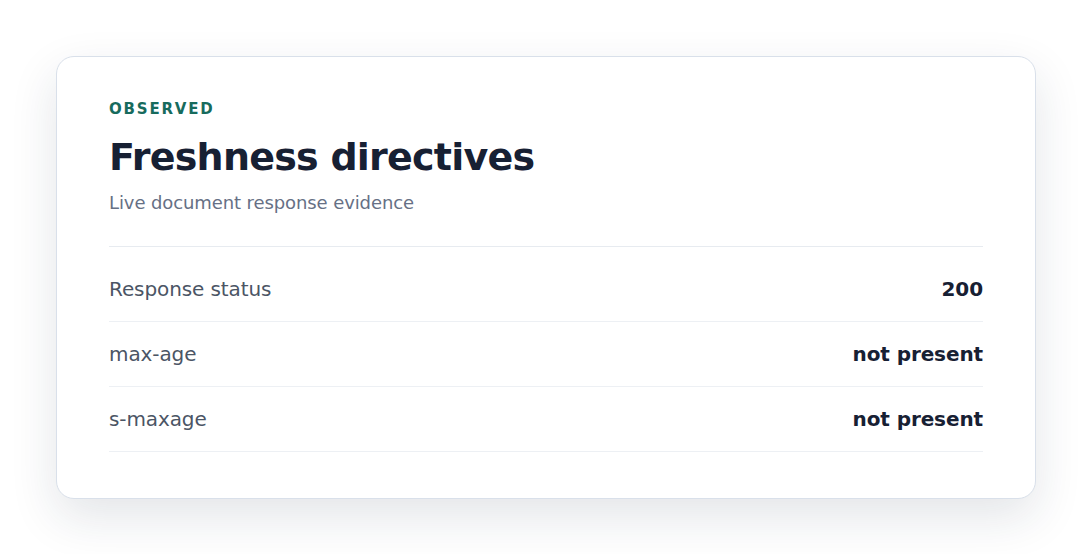
max-age=N sets how many seconds a cache may treat a reply as fresh. s-maxage=N sets a separate freshness period for shared caches such as CDNs. In a shared cache, s-maxage takes priority over max-age.
For example, max-age=600, s-maxage=3600 lets a browser reuse a reply for ten minutes while a CDN may reuse it for one hour. These numbers are examples, not defaults for every site.
No-cache does not mean “do not save.” It allows a cache to store the reply but requires a check with the site server before reuse. This suits content that can be stored but must stay current.
That check can use an ETag or Last-Modified value, which is a small marker showing which version the cache has. If nothing changed, the server can return 304 Not Modified, meaning the cached copy is still valid and the full content does not need to be sent again.
No-store tells private and shared caches not to store the reply. It fits sensitive account data, one-time values, and other replies where keeping a copy creates a clear risk.
Do not use no-store on every image, style file, script, or font. It removes useful reuse and can make repeat visits download the same files again. It also does not erase a copy that another cache already stored, so changing the header may need a separate cache clear.
Private allows storage in a private cache, usually the visitor’s browser, but not in a shared cache. Use it for logged-in pages, personal dashboards, and other content that differs by user.
public allows shared caching. Use it only when the reply is safe for many visitors. A Vary header can separate versions based on a request detail such as language or device, but it does not replace private for user-specific content.
Immutable tells a cache that a fresh reply will not change. It belongs on a public file whose URL changes whenever the file changes. A name such as app.4f2a.js is versioned; a stable app.js file edited in place is not.
An illustrative policy for a versioned public file is public, max-age=31536000, immutable. A one-year freshness period on an unversioned file can leave visitors with old styles or browser code.
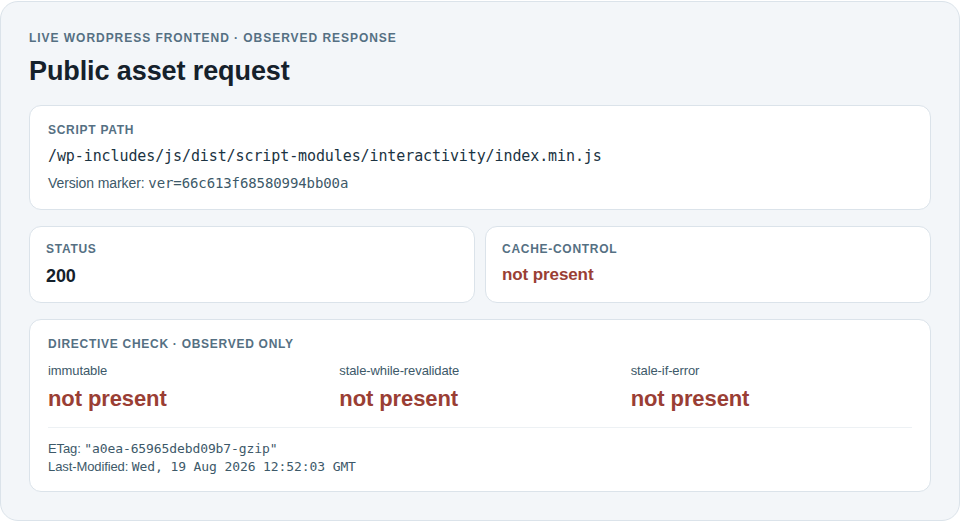
Stale-while-revalidate allows a cache to serve an older reply while it checks for a new one. stale-if-error allows an older reply when the site server returns an error. Both trade some freshness for speed or availability, so use them only when showing older content is acceptable.
Freshness is the time a cache may reuse a reply without contacting the site server. Validation is the check that asks whether a stored reply is still current.
For example, max-age=600 gives a reply a ten-minute freshness period. After that, a cache can use a validator such as ETag or Last-Modified. An unchanged reply may produce 304 Not Modified, so the browser keeps its saved copy without downloading the full body. The web.dev HTTP cache guide describes this exchange.
⏱️ Note: An Age header shows how long a shared cache has held a reply. That time can reduce the freshness remaining from the original max-age value.
WordPress sites often have several cache layers, and changing one does not change the others:
A page-cache exclusion for checkout is not the same as a browser Cache-Control header. The final header may come from WordPress or application code, the web server, the host, a CDN, or dedicated cache plugins. The layer that displays a setting is not always the layer that sends the final reply.
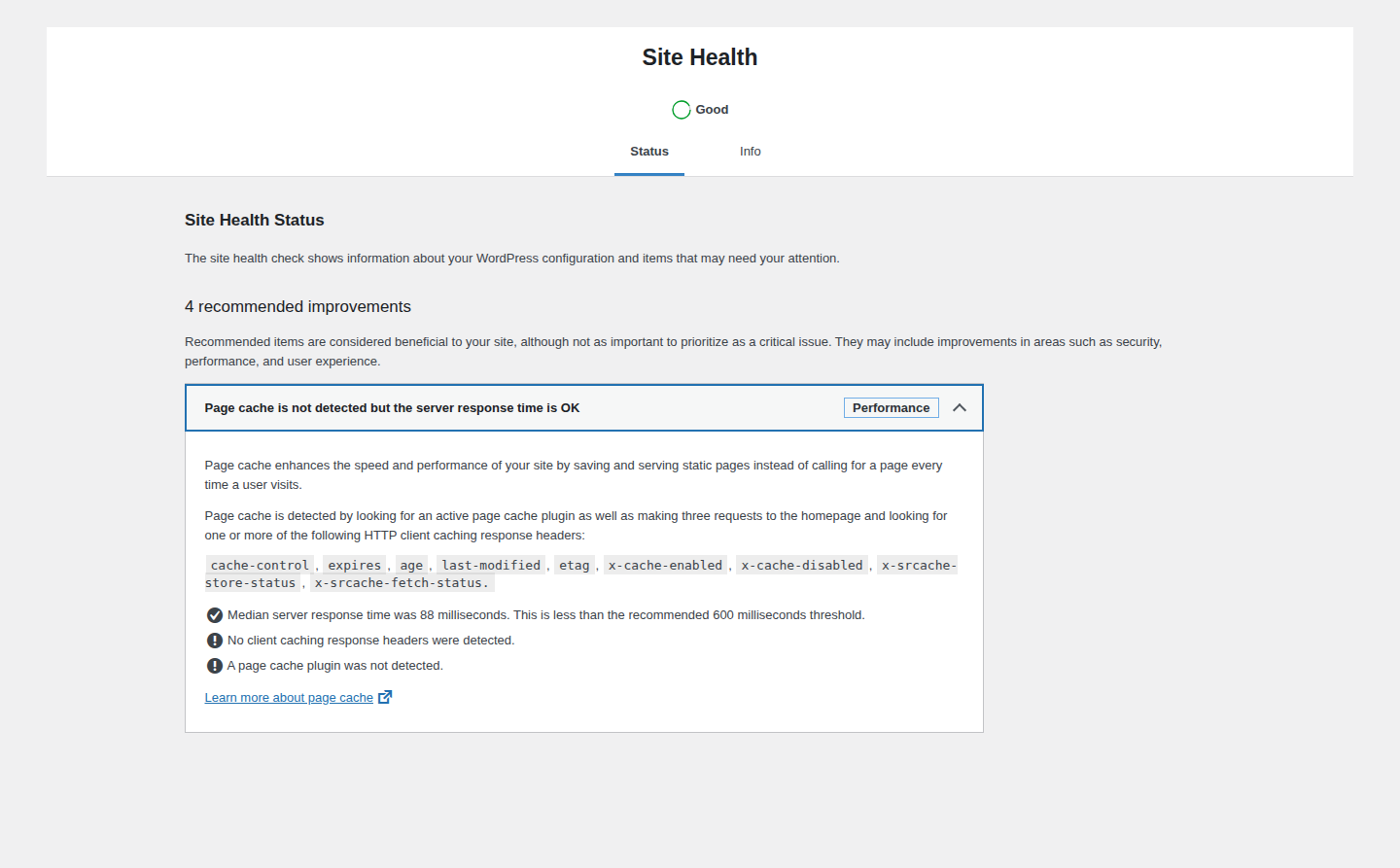
For WordPress owners who want fewer manually coordinated performance layers, AirLift is one option to evaluate for caching, CDN delivery, image optimization, and style, script, or font work. It is not a guarantee that every response header will change. Custom server rules, the host, a CDN, and third-party files can remain outside a WordPress plugin’s control.
🌐 Note: A third-party resource is a file served from another company’s domain. Your WordPress settings usually cannot change that resource’s response header.
Use this action path when a header needs changing:
In browser developer tools, open the Network panel, load the page normally, and select the page, style, script, image, or data request in question. Read the response headers, then repeat a normal reload to see whether the browser reused the reply, checked it, or downloaded it again.
You can also request only the headers from a terminal with curl -I https://example.com/path/to/resource. For a redirect, inspect both the redirect and the final resource.
Do not begin with Disable cache, a hard reload, or a forced reload when testing ordinary visitors. These options can bypass reuse or add a browser-sent Cache-Control: no-cache or max-age=0 instruction. That request instruction is not proof that the server’s response header is wrong.
💡 Note: The browser back-forward cache keeps a page snapshot in memory for history navigation. It can avoid the network for a reason separate from the response’s Cache-Control policy.
Here are some common ones and how you can fix them:
That is expected. no-cache permits storage and requires a check before reuse. Use no-store only when the reply must not be stored. If an old copy remains after changing the policy, clear the relevant browser, page, or CDN cache.
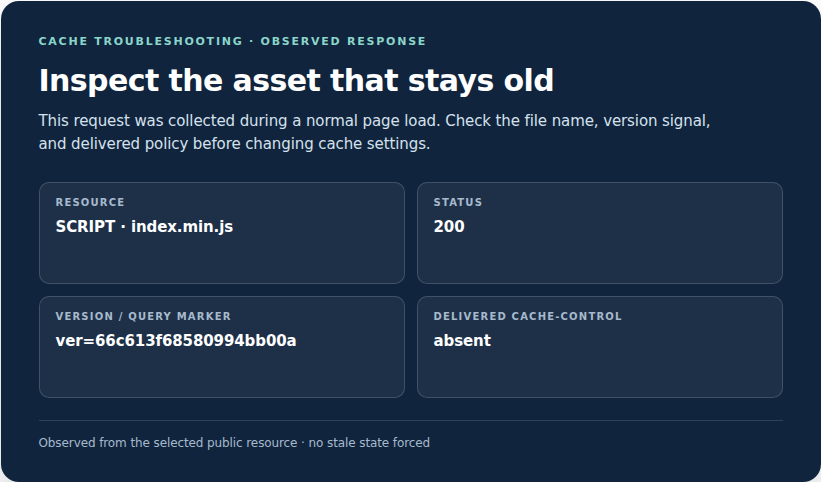
The URL may have stayed the same while the file changed, or an intermediate cache may still hold the old copy. Version the file URL, use a reliable cache-clear process, or shorten the freshness period. Making every file no-store removes the useful cache instead of fixing its ownership or versioning problem.
For WordPress sites, automatic CSS re-optimization is another optimization step to evaluate after checking cache ownership.
Check the page cache and CDN rules as well as the browser response. Logged-in pages, accounts, carts, and checkout usually need private or no-store behavior. Also check cookies, login state, and Vary rules.
Inspect the domain that serves the file. You may be able to remove, replace, self-host, or load it differently, but you cannot always change a header controlled by another company.
It is an HTTP request or response header containing instructions about storing, reusing, checking, and sharing content.
no-cache allows storage but requires a check before reuse. no-store tells caches not to store the response.
Yes, when the files are public and their URLs change whenever their contents change. CSS controls a page’s styles, while JavaScript adds browser behavior. Do not use a one-year policy on a stable URL for a file edited in place.
Use private when the browser may save the response for that user. Use no-store when the response must not be retained. Avoid public for user-specific content.
Change the layer that sends or overrides the response, then verify the delivered header. That layer may be the host, web server, CDN, application, or performance plugin. A third-party resource must be changed by its owner.
Treat Cache-Control as a policy for each resource, not as a single speed switch. Give public, versioned files a long freshness period, use no-cache when a saved response must be checked, use no-store when saving is unsafe, and keep personalized responses out of shared caches.
When a setting causes trouble, inspect the exact response and identify its owner before changing anything. That check helps you avoid stale files, exposed personal data, conflicting WordPress cache layers, and fixes that only work in a test report.
Sometimes a WordPress site is slow, but not for everyone. It loads fine for you. Then a customer in another country says the images take forever. A speed test from your city looks…
Read

Redis object cache sounds like one of those WordPress speed fixes you should just turn on and forget about. I get the appeal. When a site is slow, nobody wants a lecture about…
Read

Your homepage can feel fast while the parts that make money still feel slow. If you’re trying to speed up your website, it helps to understand that not every request behaves the…
Read
Airlift works out what each page needs and applies it. Free to try on your own site.