

Browser Caching: What It Is and How It Speeds Up Your Website
You update a logo, reload the page, and still see the old one. PageSpeed says some files need a longer cache lifetime. A plugin promises to fix caching, your host already has…
Read

Maybe you’ve moved to a new host and want a plugin built for that server. Maybe your team prefers more automation, or a different pricing model fits your budget better this year. Or maybe you’re just curious what else is out there, which is a perfectly good reason to look around before you commit to anything.
We compared each alternative against what FlyingPress offers today. The six worth your time are AirLift, LiteSpeed Cache, WP Rocket, NitroPack, WP-Optimize, and Perfmatters.
Here’s how each one stacks up, who it suits, and what to check, so you can decide whether to switch or stay put.
TL;DR: Pick the alternative that fits your server and covers the caching and optimisation features you rely on. Keep FlyingPress installed until the new setup passes checkout, form, and login tests.
| Plugin | Best for | Free option | Price | Biggest difference from FlyingPress |
|---|---|---|---|---|
| AirLift | Owners who want optimization handled for them | Yes, with limits | Paid plans annual; CDN on paid plans | More automated, fewer settings to manage |
| LiteSpeed Cache | Sites on LiteSpeed or OpenLiteSpeed servers | Yes | Free; QUIC.cloud usage may cost | Server-level cache, but only on LiteSpeed |
| WP Rocket | Paid, hands-on control on any host | No | From $59 a year | Image optimization and CDN may need extra tools |
| NitroPack | Managed cloud optimization | Yes, with limits | Scales with traffic | Priced by pageviews, not by site |
| WP-Optimize | A free, broad starting point | Yes | Free; premium available | Free core plugin with database cleanup |
| Perfmatters | Script control beside a cache | No | Paid | Doesn’t cache pages, so it can’t replace FlyingPress alone |
The short version: if budget is driving the search, look at LiteSpeed Cache, WP-Optimize, or AirLift’s free plan first. Want less to manage? AirLift and NitroPack do more of the work for you. Prefer more control? Compare WP Rocket and Perfmatters. And if you’ve just moved hosts, check your server type before anything else.
AirLift is the most hands-off option on this list. It works through caching, images, CSS, JavaScript, and fonts together, with CDN delivery included on paid plans, so you aren’t configuring each one separately. Its site says your original files stay unchanged, which takes a lot of the fear out of rolling back.

You also get performance reports that show what changed after each adjustment. That’s handy, because “it feels faster” isn’t much of a measurement.
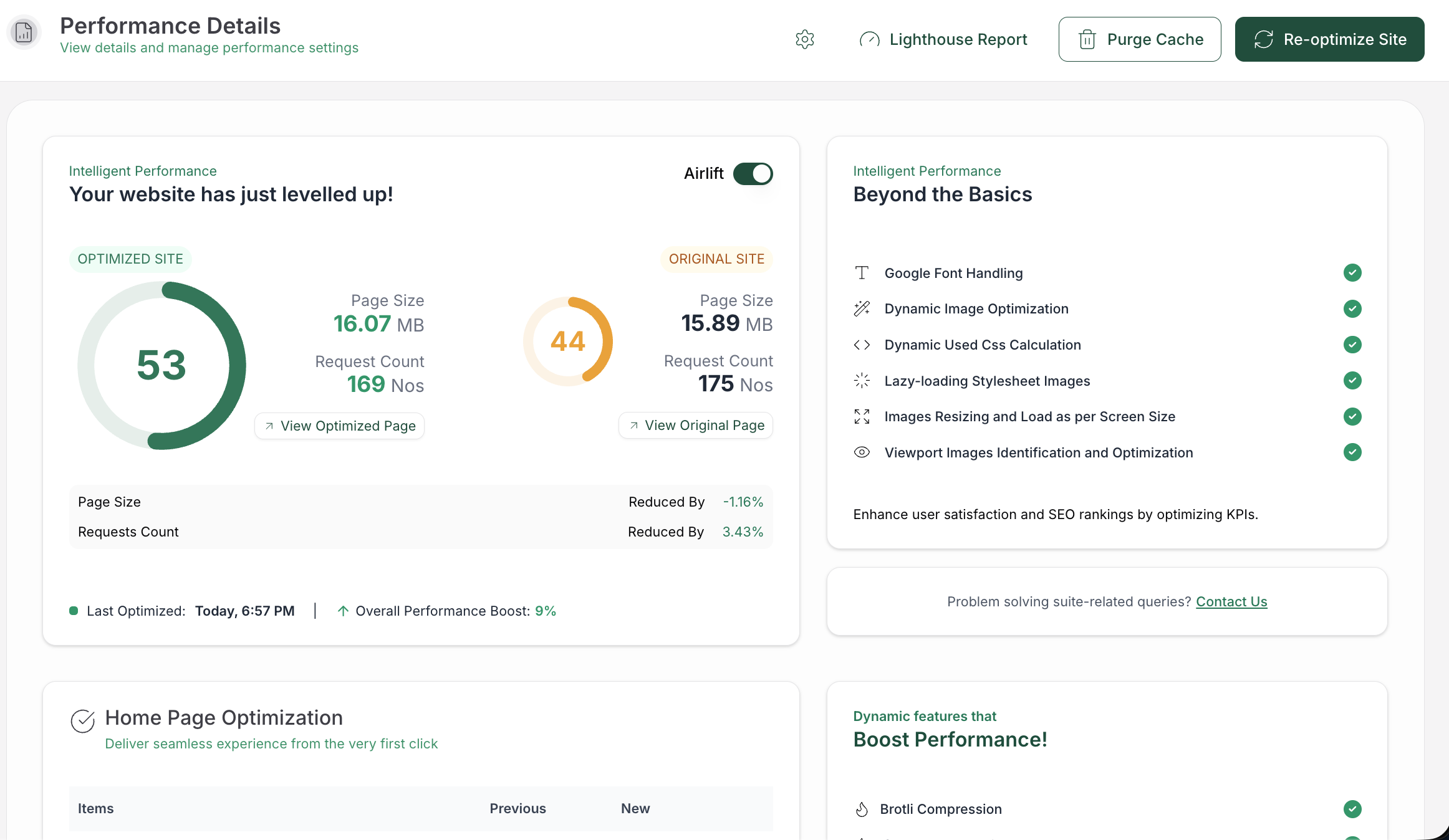
Compared with FlyingPress: FlyingPress hands you detailed settings. AirLift leans toward automation, so you trade some fine control for less upkeep. AirLift also has a free plan, while FlyingPress is paid, with a 14-day free trial.
What to check: The free plan includes every optimization, on a limited number of pages and images, and you re-optimize manually when you want an update. Paid plans add CDN delivery, scheduled re-optimization, and automatic cache clearing when your content changes. As with any optimization tool, run through your menus, forms, and checkout after setup to confirm everything works as expected.
Pricing: Free plan available, no card required. Paid plans are billed annually, and the pricing page lists each plan’s current allowances for pages, images, and CDN bandwidth.
⚖️ Verdict: A good first test if you want speed work handled for you and your site fits the plan limits. If you like tuning every script by hand, you’ll probably find it too automated.
LiteSpeed Cache is free, and on the right server, it’s genuinely excellent. Its big feature is a server-level cache that serves pages before WordPress even starts building them. It also includes minification, lazy loading, image optimization, database cleanup, and object cache support with Redis or Memcached.
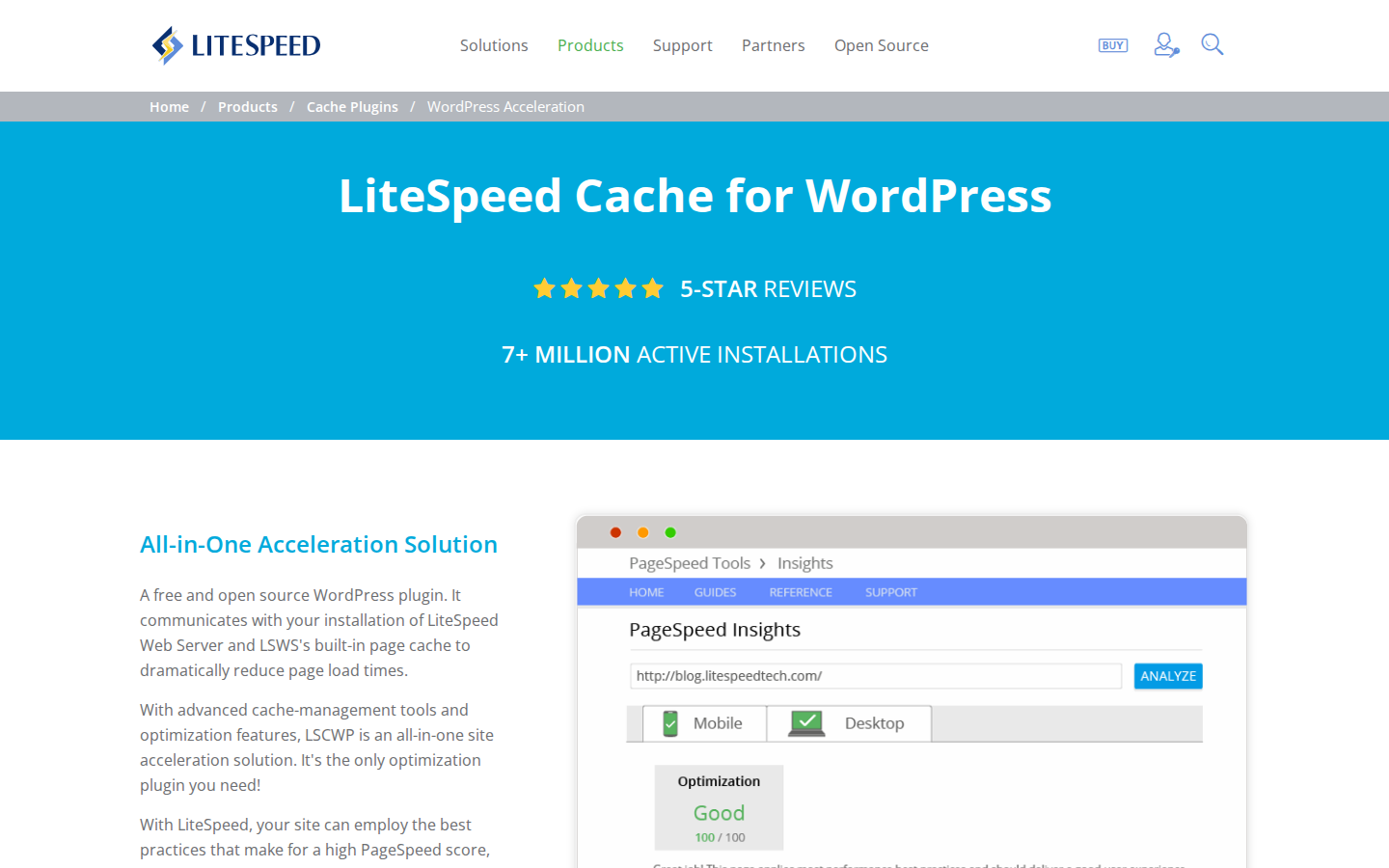
Compared with FlyingPress: LiteSpeed says its server-level cache is faster than PHP-based caches. The catch is that this only works on LiteSpeed Web Server, OpenLiteSpeed, LiteSpeed WebADC, or through QUIC.cloud. On Apache or Nginx, you keep the general features and lose the one thing that makes this plugin special.
What to check: The settings area is enormous. Experienced users will love the depth, and beginners will probably want a cup of tea and a quiet afternoon.
Pricing: The plugin is free and open source. Some QUIC.cloud services, such as the CDN and image optimization, are free only up to a usage level, then charge for more.
⚖️ Verdict: On LiteSpeed hosting, it’s hard to beat. Your server is the deciding factor here, so confirm it before you install anything.
WP Rocket is the paid plugin most WordPress folks already know. It runs on ordinary hosting and shows you exactly what’s switched on, which is reassuring when you’re the one who has to fix things later.

It covers page caching with preloading, browser caching, lazy loading, file optimization, font handling, and WooCommerce-aware cache rules. Every plan includes the same features, so you’re only paying for site count.
Compared with FlyingPress: Both start around $59 a year for one site, and both sell plans by site count. The real difference is what’s in the box. FlyingPress has built-in image optimization, while WP Rocket may need a separate image service and CDN, so the true cost can creep up.
What to check: Delayed scripts can upset menus, forms, and checkout, so you’ll be retesting after changes.
Pricing: $59 a year for one site, $119 for three, and $299 for 50, with a 14-day money-back guarantee. There’s no free version.
⚖️ Verdict: A dependable pick if you like control and don’t mind adding a couple of services around it.
NitroPack moves most of the optimization work into the cloud. You configure less inside WordPress, which is lovely if busy settings panels make your eyes glaze over.
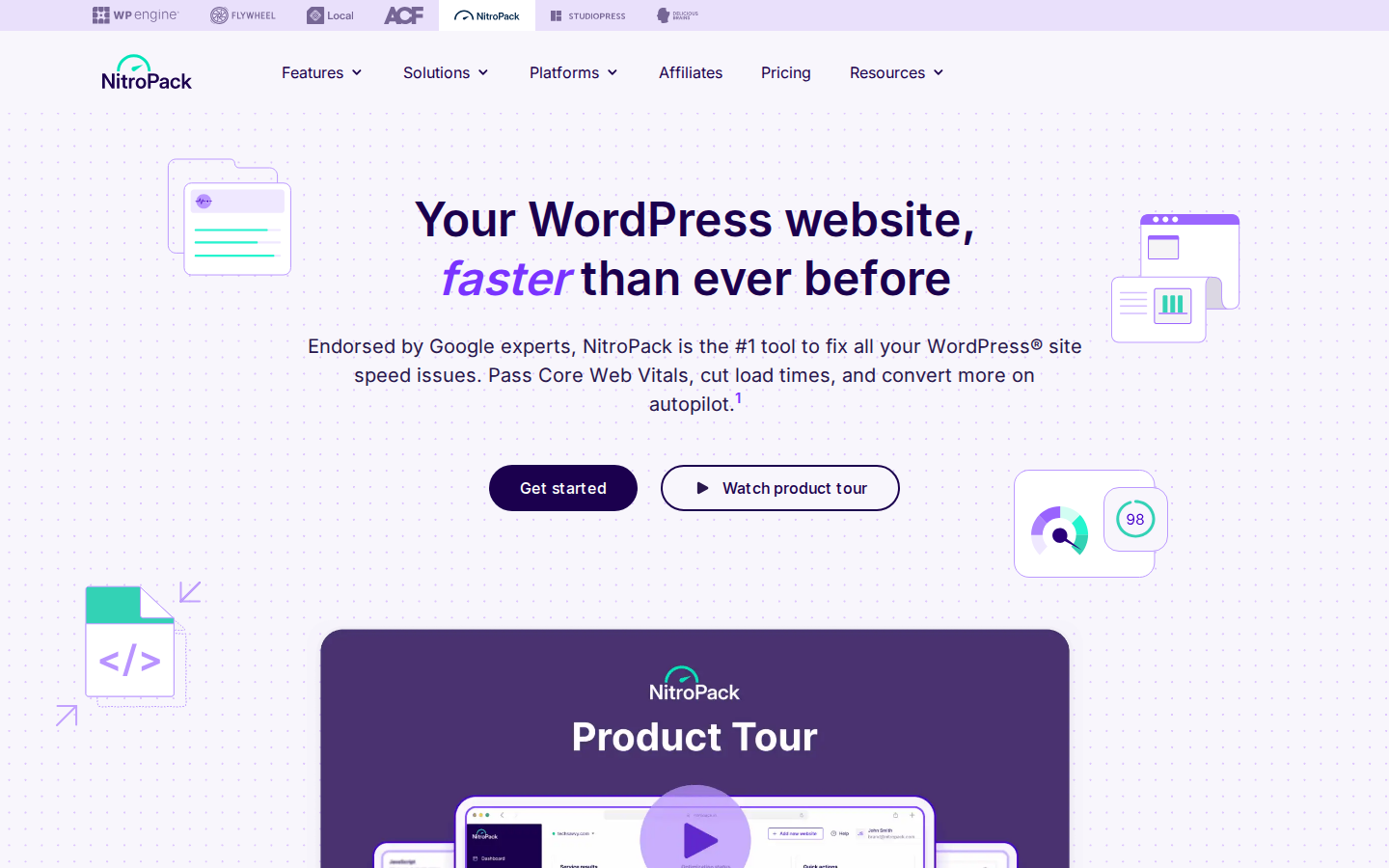
Compared with FlyingPress: FlyingPress charges by site count and bills FlyingCDN separately. NitroPack includes a CDN, but it charges by monthly pageviews and bandwidth. Translation: a big traffic month can mean a bigger bill.
What to check: Much of the work happens off your site, so you’ll give up some local control. Confirm how your plan handles traffic spikes before you rely on it.
Pricing: Most sources we checked put the free plan at about 1,000 pageviews and 1 GB of CDN bandwidth a month, and two mention a footer badge requirement. Paid plans scale with pageviews and bandwidth, so check the pricing page for current figures.
⚖️ Verdict: A solid fit for hands-off owners with steady traffic. If your traffic is climbing, do the maths before you commit.
WP-Optimize packs a surprising amount into a free plugin. It comes from the UpdraftPlus team and bundles page caching, image compression, minification, and database cleanup. The premium version adds per-role caching, advanced purge rules, Cloudflare integration, and premium support.
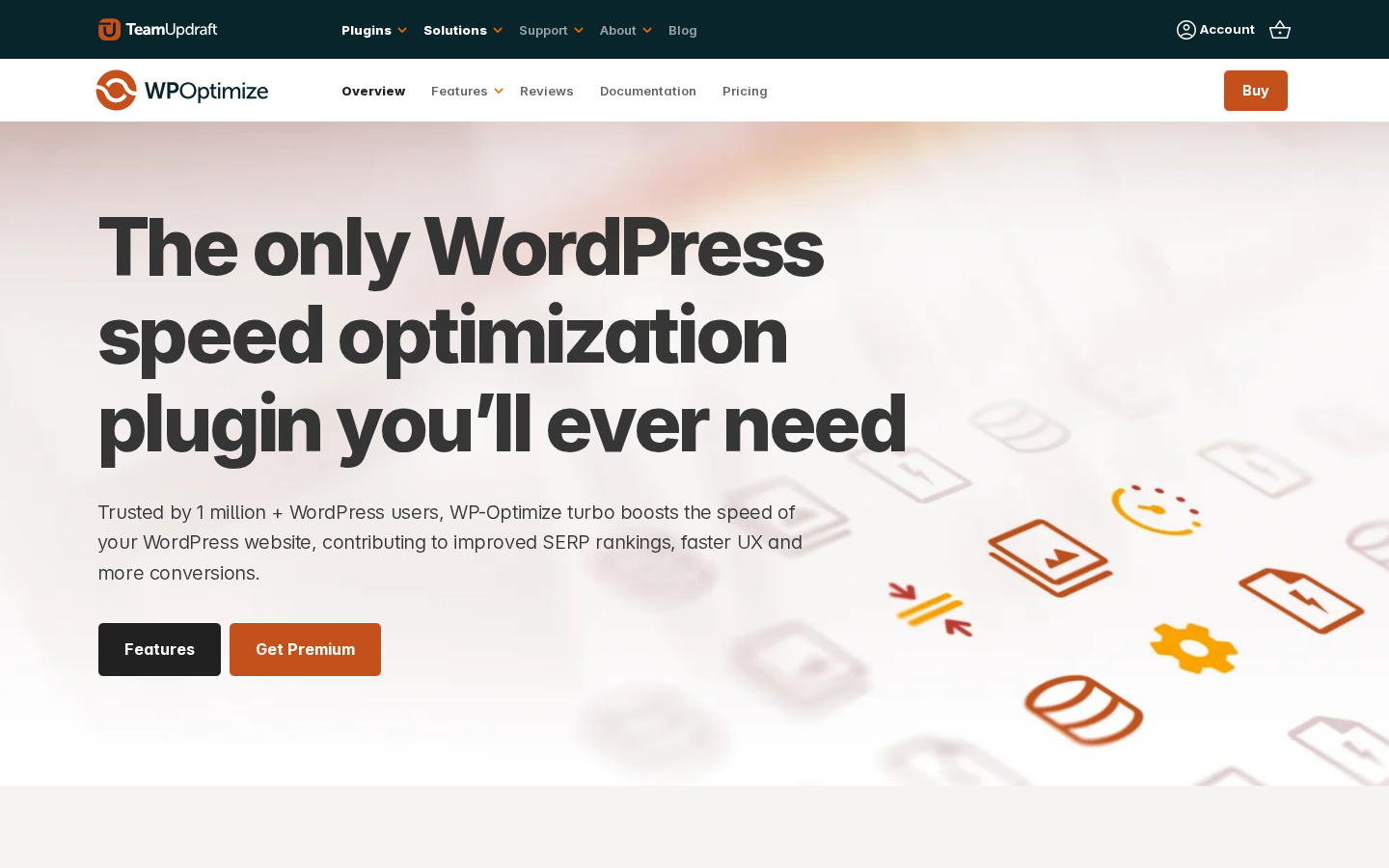
Compared with FlyingPress: Both clean up the database, but WP-Optimize’s core plugin is free. The trade-off is time, because working out which modules play nicely together is your job.
What to check: Database cleanup can be hard to undo, so back up first, every time. It’s a boring warning, but it’s the kind that saves real sites.
Pricing: The core plugin is free. Premium licences include 12 months of updates and support, and you keep using Premium after that, though without new features or support.
⚖️ Verdict: A practical choice for budget-conscious owners who don’t mind testing one change at a time. Not ideal if you want something hands-off.
Perfmatters works like a scalpel for scripts that load where they don’t belong. You know the contact form plugin loading its files on every single blog post? That’s exactly the problem it solves.
Its Script Manager turns scripts on or off per page, per post, or sitewide, with regex support for finer rules. It can also disable unused WordPress features, control Heartbeat, and rewrite asset URLs to a CDN.
Compared with FlyingPress: FlyingPress already removes common WordPress bloat. Perfmatters goes further on per-page script control, but it doesn’t cache pages, so it can’t replace FlyingPress by itself.
What to check: One wrong rule can break a form, menu, or checkout. Test each change before you move on.
Pricing: Perfmatters is paid only, with no free version. Sources list different entry prices, so check the Perfmatters site for current plans.
⚖️ Verdict: Brilliant as a companion to a working cache, and best kept in that role.
Before you commit to anything, take stock of what FlyingPress is doing for you right now. Its feature page covers page caching with preloading, CSS and JavaScript minification, delayed scripts, WebP and AVIF image optimization, database cleanup, and removal of extras like emojis and Dashicons. It also connects to FlyingCDN, an optional service billed separately.
One feature tends to fly under the radar. FlyingPress removes unused CSS by loading your pages in a real browser on its own cloud, which lets it catch styles that only appear after scripts run. If your replacement doesn’t do something similar, page-builder sites can quietly get heavier.
Here’s why that matters. A replacement that covers fewer jobs can keep your homepage snappy while product and blog pages slow down, and nobody notices for weeks. So match your most important FlyingPress features against the alternative you pick.
The scariest moment comes in the hour after you switch, before anyone has tested checkout. Here’s how we’d keep that hour boring.
It might, but no plugin can promise that. Your host, theme, images, and third-party scripts matter just as much, so test your own pages before and after.
No, settings don’t transfer between plugins. Screenshot your exclusions and cache rules first so you can recreate the ones that matter.
Avoid running two page caches at once. Pairing only works when each tool does a different job, like Perfmatters handling scripts beside a separate cache. Give each tool a clear role in your WordPress caching setup.
LiteSpeed Cache and WP-Optimize have free versions, and AirLift and NitroPack offer free plans with limits. Check each plan’s current allowances before you depend on one.
Plan an afternoon for the switch and testing, then a week of watching real visitors. If you run a store, pick a quiet stretch, never the week before a sale.
Whether it’s a new host, a different budget, or plain curiosity, you had a good reason to look around. Pick the alternative that matches your server and your reason for exploring, then make sure it covers the FlyingPress features you depend on.
If you do switch, change one layer at a time, test the pages that pay the bills, and keep FlyingPress close until the new setup proves itself on real traffic. Once the new setup is stable, follow a WordPress performance optimization process to identify any bottlenecks your plugin hasn’t resolved.
You update a logo, reload the page, and still see the old one. PageSpeed says some files need a longer cache lifetime. A plugin promises to fix caching, your host already has…
Read

If you’ve tried to enable caching and visitors are now seeing old CSS, outdated content, or a private page from the wrong cache, the cache control header is a key place to…
Read

You clicked Update, refreshed the page, and the live site still looks old. The image is unchanged. The menu is wrong. In some cases, a slow website can also point to an outdated…
Read
Airlift works out what each page needs and applies it. Free to try on your own site.