

Browser Caching: What It Is and How It Speeds Up Your Website
You update a logo, reload the page, and still see the old one. PageSpeed says some files need a longer cache lifetime. A plugin promises to fix caching, your host already has…
Read

The WebP vs AVIF question usually comes up right after you measure your website speed, and we’ve seen it play out the same way on many WordPress sites. An owner spots “serve images in next-gen formats” in PageSpeed Insights, reads that AVIF files are smaller, and converts the whole media library overnight.
On some sites, the pages are faster by morning. On others, uploads slow down, screenshots turn fuzzy, and the speed score barely moves. Image format is only one part of WordPress image optimization; dimensions, compression, and loading order matter too. If the two names already sound confusing, you’re in good company, and you don’t need a technical background to make the right call.
We’ll explain what each format is in plain words, judge them on the nine things that actually matter, and give you a clear verdict for each one. By the end, you’ll know which format suits your site, and why the best answer is often both.
TL;DR: AVIF often produces smaller photos, while WebP is quicker to convert and widely compatible. Compare both on your own images, preserve quality, and provide a fallback where needed. AirLift can automate image optimization so you don’t have to process every upload manually.
WebP and AVIF are two new ways of saving images so they take up less space while still looking sharp. Think of them as better-packed suitcases. A JPEG or PNG is a suitcase with clothes thrown in loosely, while WebP folds them neatly and AVIF vacuum-seals them. The clothes are the same, but the suitcase is smaller and quicker to carry.
Smaller images matter because they load faster. Every image on your page has to travel from your server to your visitor’s screen, and lighter images arrive sooner. When a large image is the main visible content, reducing its download size can help improve your Core Web Vitals.
Both can do everything you’re used to from JPEG and PNG, including transparent backgrounds and simple animations. The differences only show up when you put them side by side, so that’s exactly what we did.
We compared WebP and AVIF on nine things that affect real WordPress sites, from how small the files get to how easily they fit into your daily work:
Each section ends with a verdict, and the full scorecard follows right after.
AVIF produces smaller files, especially for photos. The WordPress core team notes that AVIF images can be up to 50 percent smaller than JPEGs at the same quality. WebP also beats JPEG comfortably, but AVIF usually goes further, particularly on large photos and images with smooth backgrounds like skies or product shots.
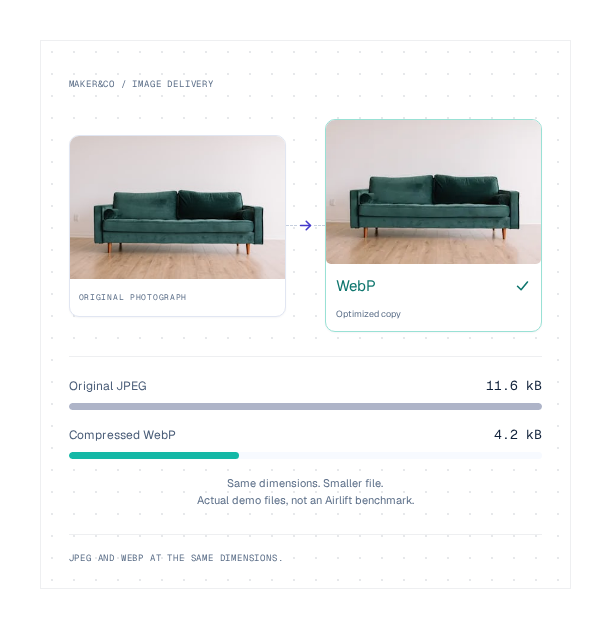
The gap narrows on simple images. A logo or a screenshot with solid colors often comes out almost the same size in both formats.
⚖️ Verdict: AVIF wins.
AVIF keeps photos looking better at small sizes. When you shrink a photo hard, both formats eventually show flaws, such as blotchy patches or lost detail. AVIF holds onto fine detail longer, so you can make photos smaller before anyone notices a difference.
That makes AVIF a strong fit for the images visitors look at most closely, like product photos, portfolio shots, and the large banner at the top of your homepage.
⚖️ Verdict: AVIF wins.
WebP keeps text and sharp edges cleaner. Screenshots, charts, and graphics with lettering have crisp lines and solid blocks of color. Squeezing them hard with AVIF can leave a faint blurry outline around each letter.
We’ve seen tutorial sites convert every screenshot to AVIF at aggressive settings, then go back to fix fuzzy text across dozens of posts. On these images, WebP’s result is usually sharper, and the file size difference is too small to matter.
⚖️ Verdict: WebP wins.
AVIF shows a wider range of color. It supports HDR and wide color, which means brighter highlights, deeper shadows, and more accurate color on modern screens. WebP sticks to standard color, which is perfectly fine for most websites.
You’ll notice the difference on photography and product images where color accuracy helps sell. For everyday blog images, you probably won’t.
⚖️ Verdict: AVIF wins, though most sites won’t feel the difference.
WebP is much faster to create. Turning an image into AVIF takes noticeably more work, and that work happens on your server. Comparisons consistently find WebP quicker than AVIF to both create and open.
This is where the overnight conversion from the opening tends to go wrong. Converting thousands of images to AVIF at once on shared hosting can keep a server busy long enough to slow the site down. On sites where new images arrive all day, slow conversion also holds up every product listing or post waiting to be published.
⚖️ Verdict: WebP wins.
AVIF downloads faster, but WebP opens faster once it arrives. A smaller AVIF file reaches the browser sooner, which helps on slower connections. The browser then needs a little more effort to display it, while WebP takes less.
For most sites, the smaller download wins out, especially on large photos. On pages with dozens of small images, the difference is close.
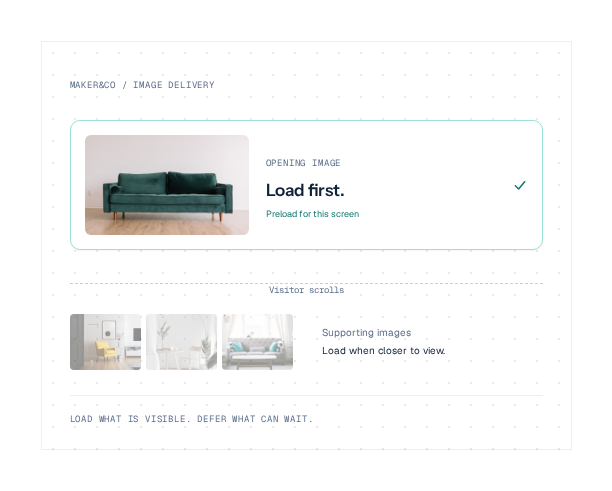
If the main banner or product photo appears late, check how to improve Largest Contentful Paint. A smaller file helps when downloading the image is the bottleneck, but it won’t fix an image the browser discovers too late.
⚖️ Verdict: AVIF wins for large photos, close to a tie for small images.
Both formats now work in nearly every browser. As of September 2025, Can I Use put WebP at about 95.3 percent browser support and AVIF at about 93.8 percent.
AVIF’s small gap comes mostly from older iPhones and Macs, since Safari only added full AVIF support in March 2023. Visitors on those older devices need a backup format, which we’ll cover shortly.
⚖️ Verdict: WebP wins, narrowly.
WordPress handles WebP everywhere, but AVIF depends on your host. Since version 6.5, WordPress accepts AVIF uploads like any JPEG or PNG, as long as your hosting environment supports it. That depends on the image tools installed on your server, so two sites on the same version of WordPress can behave differently.
Uploading AVIF from today onward also leaves your existing images untouched. Years of older uploads stay in their original formats unless something converts them.
⚖️ Verdict: WebP wins.
WebP fits more easily into the rest of your work. Your images don’t only live on your site. They appear in email newsletters, social media previews, design tools, and downloads, and many of those places handle WebP more reliably than AVIF.
If you regularly reuse images outside your website, keep that in mind before you switch everything to AVIF.
⚖️ Verdict: WebP wins.
| Parameter | Winner |
|---|---|
| File size | AVIF |
| Photo quality | AVIF |
| Sharpness on text and graphics | WebP |
| Color | AVIF |
| Conversion speed | WebP |
| Page loading | AVIF, for large photos |
| Browser support | WebP, narrowly |
| WordPress support | WebP |
| Everyday compatibility | WebP |
The overall verdict: AVIF wins on the image itself, and WebP wins on everything around it. AVIF gives you smaller, better-looking photos, while WebP gives you speed, sharp text, and fewer headaches. That split points to a practical answer, which is to stop treating them as rivals.
Match the format to the image, not the whole site. Here’s how we’d assign them:
| Image type | Best format | Why |
|---|---|---|
| Hero images and banners | AVIF | Biggest files, biggest savings on the first screen |
| Product and portfolio photos | AVIF | Smaller files with better detail and color |
| Screenshots and tutorials | WebP | Text stays sharp |
| Logos and icons | WebP, PNG, or SVG | Small files with crisp edges |
| Everyday uploads | WebP | Fast conversion keeps publishing smooth |
For online stores, image format is just one part of WooCommerce speed optimization. Product galleries, scripts, caching, and checkout performance also affect how fast the store feels.
If you’d rather pick a single default, choose by what your site is mostly made of. Photo-heavy sites like stores, portfolios, and travel blogs should lean on AVIF, while text and graphic-heavy sites like tutorials and software blogs should lean on WebP.
Most sites have a mix of both, though, which is why the best setup uses both formats at once.
Serving AVIF, WebP, and JPEG together gives every visitor the smallest image their device can show. Your page offers each version in order of preference, and the browser picks the first one it supports. A modern browser gets AVIF, an older Safari gets WebP, and anything older still gets the JPEG.
If you’re comfortable with code, this is how it looks in HTML:
<picture>
  <source srcset="photo.avif" type="image/avif">
  <source srcset="photo.webp" type="image/webp">
  <img src="photo.jpg" width="1600" height="900" alt="Description of the photo">
</picture>
If you’re not, you don’t need to write any of this yourself. Doing it by hand means creating several versions of every image and keeping them in sync, which isn’t realistic on a growing site anyway.
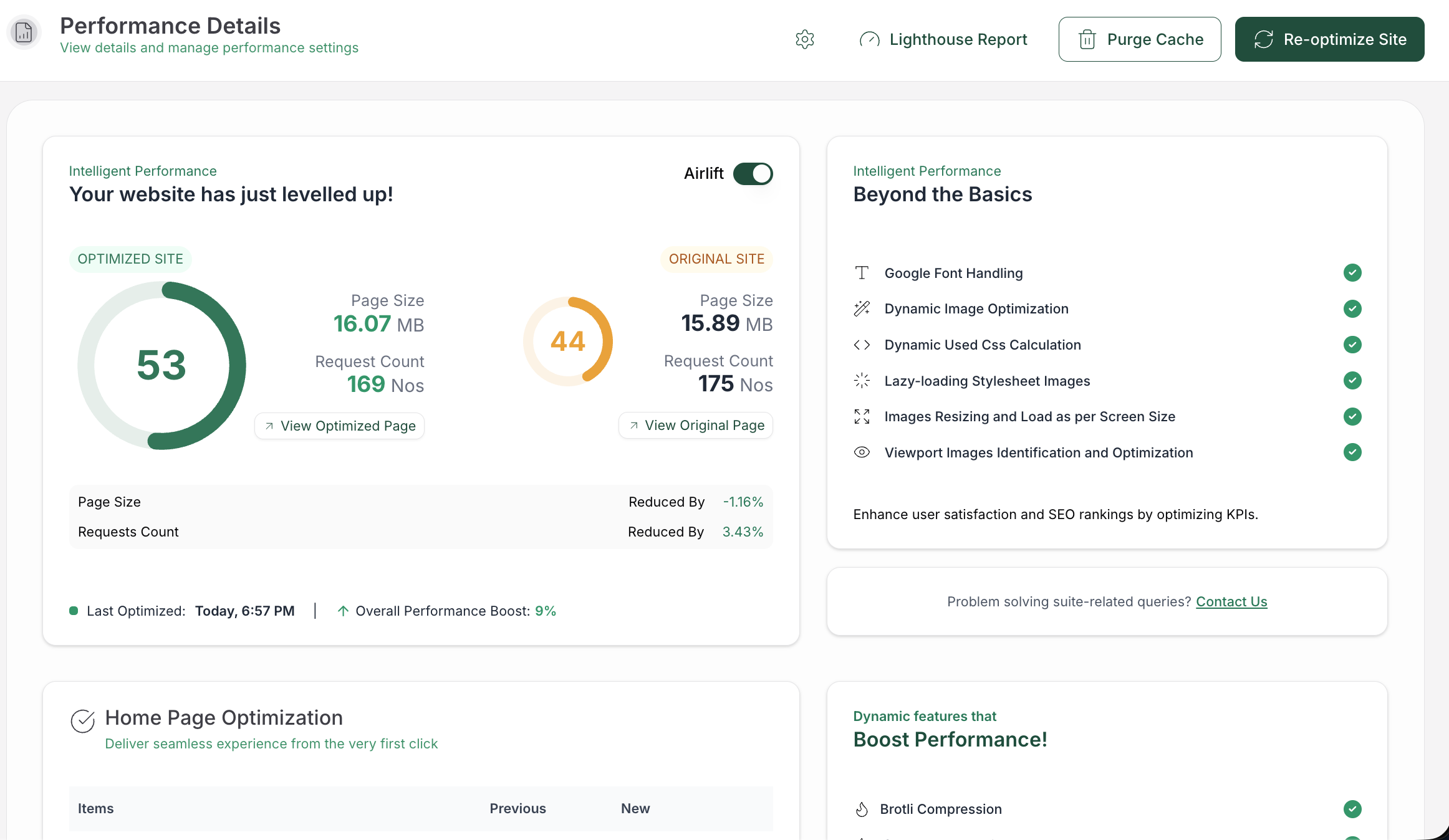
AirLift’s image optimization handles image conversion, responsive sizing, and loading optimizations automatically. It converts your new uploads and your existing library into AVIF and WebP, works out which format each visitor’s browser supports, and serves the smallest one. It also resizes images to fit each screen and delivers them through a global CDN, and because the conversion happens away from your server, your site stays quick while your images are optimized in the background.
📝 Note: Keep your original images, whichever format you serve. They’re your safety net if you ever want to change settings or switch tools later.
A short test on your real images will tell you more than any comparison, including this one. Pick five or six images that represent your site, such as a banner, a product photo, a screenshot, a logo, and a graphic with text. Convert each one to both formats, then compare how they look, how big they are, and how quickly your page loads.
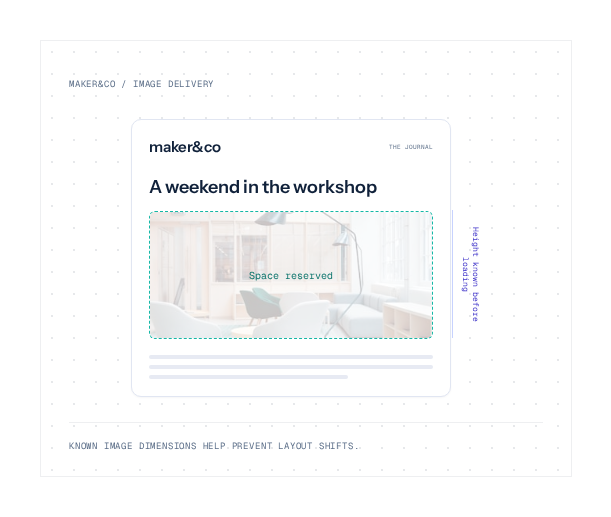
Trust what you see on your own live pages. A smaller file only helps if the image is displayed at the right size and loads at the right moment. Use lazy loading for images below the fold, while keeping the main above-the-fold image available immediately.
No. A good WordPress image optimization plugin handles conversion and image delivery for you. Check whether your chosen tool supports your preferred formats and fallbacks, then keep uploading images as usual.
Not directly, because Google doesn’t rank pages by image format. Faster pages can improve your speed scores, which count toward Google’s page experience signals, but only if heavy images were slowing your pages down.
Only if you want them served in a newer format. WordPress won’t convert your existing images on its own, so you’ll need a plugin to update your older uploads.
If you serve a backup format, their browser quietly loads WebP or JPEG instead, and they never notice. Without a backup, they may see a broken image.
It depends on your images, not your traffic. A small store with large product photos can save a lot, while a text-heavy blog with a few small images won’t see much change.
The site owner who converted everything overnight didn’t choose the wrong format. They asked one format to do every job. In the WebP vs AVIF comparison, AVIF wins on file size, photo quality, and color, while WebP wins on speed, sharp text, and compatibility. Serve both with JPEG as a backup, and let a plugin handle the switching, so every visitor gets the smallest image their browser can show.
You update a logo, reload the page, and still see the old one. PageSpeed says some files need a longer cache lifetime. A plugin promises to fix caching, your host already has…
Read

If you’ve tried to enable caching and visitors are now seeing old CSS, outdated content, or a private page from the wrong cache, the cache control header is a key place to…
Read

You clicked Update, refreshed the page, and the live site still looks old. The image is unchanged. The menu is wrong. In some cases, a slow website can also point to an outdated…
Read
Airlift works out what each page needs and applies it. Free to try on your own site.