

Browser Caching: What It Is and How It Speeds Up Your Website
You update a logo, reload the page, and still see the old one. PageSpeed says some files need a longer cache lifetime. A plugin promises to fix caching, your host already has…
Read

A speed report just flagged JavaScript among your site’s render-blocking resources, and now you’re looking at a page that feels a touch slower than it should, trying to work out which change won’t take some feature down along with it.
That hesitation is the right instinct.
Defer JavaScript is one of the more reliable fixes for exactly this kind of warning, but only when you know which scripts can actually handle it, and that’s precisely what this guide is going to walk you through.
TL;DR: Defer an external script only when it doesn’t control what shows up first on the page and its dependencies can still run in the correct order, changing one known script at a time with a security plugin active and a recent backup in place. Then check the site’s critical features and compare performance under the same conditions before and after, so you know the change actually helped rather than just hoping it did.If you use a performance tool, review its WordPress JavaScript optimization controls and exclusions before enabling a broad setting
Picture what the browser’s doing the moment a page loads. Without any loading attribute, an external script pauses HTML parsing entirely while it’s fetched and run, so if that file is slow to download, the parser just sits there waiting for it. That pause is exactly the kind of delay a speed report is picking up on.
Add the defer attribute, and the browser can fetch the file while it keeps parsing the rest of the document. It waits to actually run the script until parsing is complete, and it does so right before the DOMContentLoaded event fires, the moment the browser considers the HTML fully loaded and ready. Deferred scripts also keep their original document order relative to each other, which matters a lot when one script needs another to already be in place:
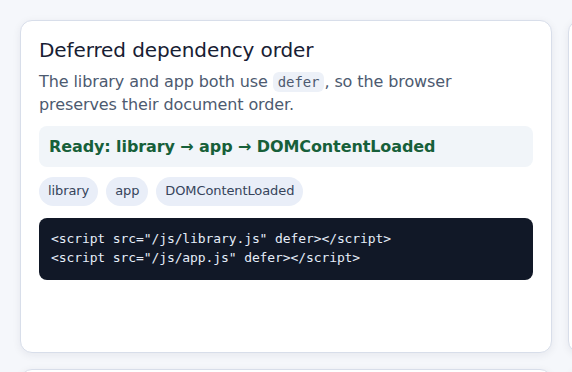
<script src="/js/library.js" defer></script>
<script src="/js/app.js" defer></script>
Here’s the limit worth keeping in mind, though: defer changes when a file gets fetched and run, not what’s inside it. It won’t shrink the file, strip out code you don’t use, or speed up a slow third-party server. The whole benefit depends on whether that script was genuinely blocking the page in the first place, and whether it sits anywhere near the page’s critical path.
Once you understand the timing change, determine whether each script can tolerate it. Do not defer everything. First check where the script comes from, what it depends on, and what it does on the page.
If the report does not make the bottleneck clear, run a WordPress performance audit before deciding which scripts to defer.
External scripts are good candidates when they can wait until parsing finishes. A library and the application file that depends on it can both be deferred, provided they run in the correct document order.
Be especially cautious with scripts that create or control content affecting Largest Contentful Paint, or LCP. If your hero image, navigation, or product interface depends on a script, deferring it may delay that content even if the performance score improves.
Also look for less obvious dependencies, including document-write calls, undocumented global variables, inline initializers, and vendors that require early execution. A script can be external and still be a poor candidate for defer if other code quietly depends on it.
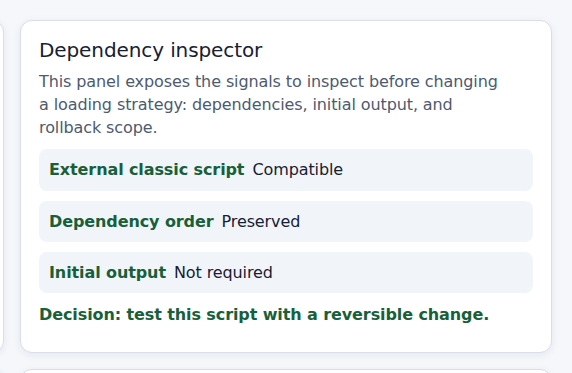
Once a script clears that classification check, the change itself is genuinely small. Add the defer attribute directly to the external script tag:
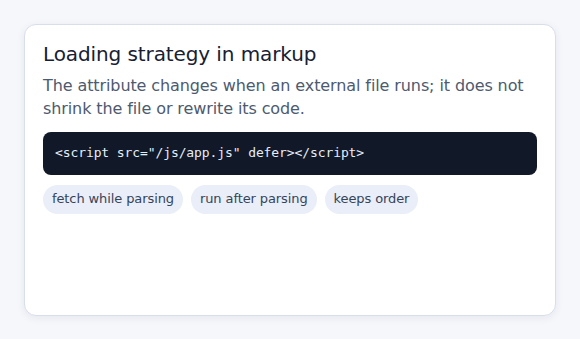
<script src="/js/app.js" defer></script>It’s fine to leave the file sitting in the document head. With defer in place, the browser starts fetching it early without executing it until parsing has wrapped up. Placing a script at the very end of the body can land you at a similar execution point, but it tends to delay when the fetch even starts, so think of these as two related timing choices rather than one being universally faster than the other.
On a WordPress site specifically, how you make this change depends on where the script came from to begin with, whether that’s a theme, a plugin, some custom code, or a performance tool handling it for you. Identify the script’s handle or source URL before touching anything. If your performance plugin offers a selected-script or loading-strategy control, change one known script at a time and record the original setting before you do, so you’ve got something solid to return to.
📝 Note: Don’t flip a site-wide defer switch without checking exactly what it includes and how exclusions are defined. A blanket setting applied blindly is how one quiet script update turns into a broken checkout three pages deep, and by the time anyone notices, it’s hard to trace back to the actual cause.
Make the change on staging when that’s an option for you. Keep a recent backup and a clear rollback path either way, and if you’re working directly on a live site, save the previous setting before clearing any caches, so you can restore the old behavior quickly if something doesn’t go as planned. If the original behavior does not return after reverting the setting, check for WordPress caching issues that may still be serving an older optimized script.
Before choosing defer, compare it with the other loading options. They may sound similar, but they behave differently.
A normal script pauses parsing while it is fetched and executed at its position in the document. Use this when the script must run before parsing continues.
Adding defer to an external library doesn’t defer the inline script sitting beside it. Inline code runs the moment the browser reaches it during parsing, unless you’ve deliberately written it to wait for a later event instead.
This pattern, for instance, can break the moment the library above it gets deferred and isn’t available yet when the inline code tries to run:
<script src="/js/library.js" defer></script>
<script>
  window.startWidget();
</script>
You’ll likely see an error along the lines of “window.startWidget is not a function,” or something similar like “$ is not defined” if the missing dependency happens to be jQuery. Here’s where people usually trip up: those error messages are pointing at a timing problem, not a broken library. It’s an easy thing to misread under pressure.
If the initializer only needs the parsed document, and its dependency really will be ready by then, wrapping it in an event listener can line things up properly:
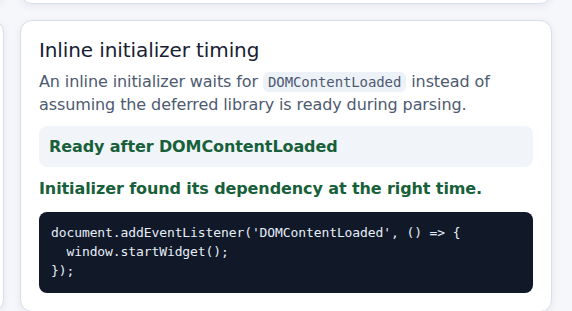
<script>
  document.addEventListener('DOMContentLoaded', function () {
    window.startWidget();
  });
</script>
This only holds up safely if that function is genuinely available by the time the event fires, and the feature doesn’t need to run any earlier than that. For a real WordPress setup, it’s worth checking how the plugin actually enqueues its scripts and attaches any inline code to them, rather than copying a pattern like this straight onto your own site and hoping for the best.
Browser timing is only half the story. After changing the loading mode, use a WordPress performance checklist to test what visitors can actually see and use—not just lab results
In a private window, check navigation, search, menus, forms, validation, confirmations, spam protection, consent banners, and scripts when consent changes. Also test login, accounts, cart, checkout, payments, sliders, tabs, accordions, embedded widgets, and permitted analytics or marketing events. For stores, treat these checks as part of WooCommerce speed optimization, where a faster product page still needs a working cart and checkout.
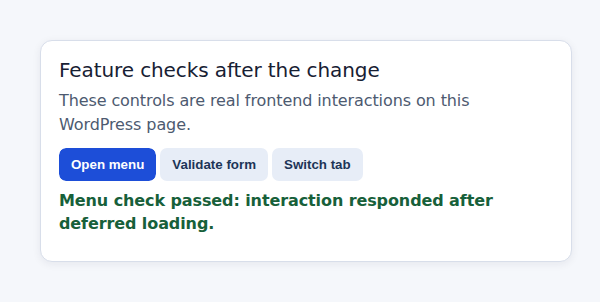
Check the browser console and network panel while you’re at it. A missing global variable, a failed request, a blocked cross-origin resource, and a consent-related block all point toward different root causes, so it’s worth actually looking rather than guessing at which one you’re dealing with.
📝 Note: Don’t remove a consent control or carve out a third-party exception just to nudge a score up a few points. That trade almost never ends up being worth it in practice, and it can quietly create a compliance problem that costs far more to fix than whatever you saved on a speed test.
If a feature breaks somewhere along the way, restore the original loading mode first, or exclude that one specific script, before you start digging into whether the real cause was execution order, inline code, a missing dependency, or a script that genuinely belonged in the initial render path all along. A narrow exclusion is always easier to understand and roll back than stacking a second optimization on top of something that’s already broken.
Once you’re confident the page still works, it’s time to find out whether that timing change was actually worth making in the first place. Compare a known page before and after, using the same URL, the same cache state, the same device profile, and the same network conditions each time you test, and run the comparison more than once, since a single lab result can swing around more than you’d expect.
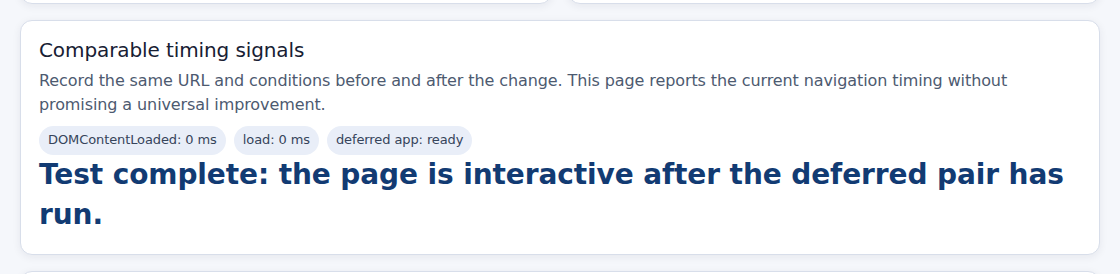
Look at both sides of the story here: the user-visible performance and the actual functionality. Website performance metrics such as First Contentful Paint, Largest Contentful Paint, and Total Blocking Time can help you assess loading progress and JavaScript blocking work. But a lower number on a report isn’t a real win if visitors end up losing their menu, a form, the checkout flow, or a consent choice somewhere along the way.
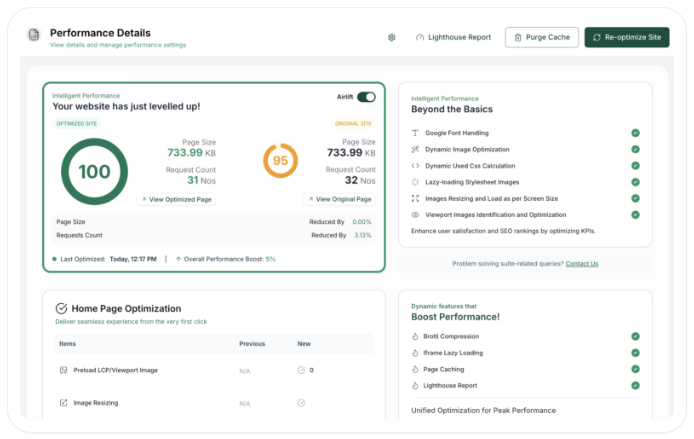
Don’t borrow someone else’s reported improvement as a promise for your own site either. A result from another experiment reflects that experiment’s specific conditions, not a universal number you’re automatically entitled to. Native defer can genuinely help when a script was blocking the parser, but it can’t fix a slow vendor server, and it won’t cut down the actual bytes of JavaScript being sent to the browser. Those are different problems entirely, and worth knowing apart.
Third-party scripts deserve a wider look than simply picking a loading attribute and moving on. Start by asking whether the vendor code is genuinely necessary at all. Removing code you’re not actually using, loading a feature only once it’s needed, using connection hints to warm up a request early, or renegotiating the integration itself can matter a lot more here than the defer-versus-async decision ever will.
Treat that review as part of your WordPress performance optimization: remove unnecessary integrations before adjusting how the remaining scripts load.
Whatever you end up changing, keep your site’s privacy and security requirements fully intact throughout the process. Preserve the approved vendor origin, the consent gate, any integrity checks already in place, and the data-flow rules that integration depends on. A performance warning is never a good enough reason to widen a script’s access, bypass consent, or quietly add in a vendor nobody’s vetted yet.

It means an external script gets fetched while the browser parses the HTML, then runs after that parsing finishes and right before DOMContentLoaded fires. Deferred scripts keep their relative document order. The attribute only changes timing, not the file’s size or what it actually does once it runs.
Add the defer attribute to the script tag itself. On a WordPress site, first identify which theme or plugin actually owns that script, then use a loading-strategy setting or a targeted code change rather than flipping a site-wide switch. Record the original setting, and test every dependent feature right after making the change.
Neither one is universally better, since they solve different problems. Defer tends to be the safer choice when a script can wait until parsing finishes and needs to keep order relative to another script. Async suits independent scripts better, since it runs as soon as each file is ready with no guaranteed order between them.
Not by adding defer to a nearby external script tag, no. Inline code runs the moment the parser reaches it in the document. To actually change that, you’d need to move it into an external file or wrap it so it waits for a suitable event instead, while confirming its dependencies are genuinely available by the time that event fires.
It can be safe for a specific script that isn’t needed for the initial output, has compatible dependencies, and has actually been tested against your site’s key flows. It’s not safe to assume every script on a WordPress site can be deferred the same way without consequence. Change one known script at a time, test the visible features, compare your measurements, and always keep a rollback path ready before you move to the next one.
Defer JavaScript is a timing optimization, not a universal WordPress speed setting you flip once and forget about. The process that actually works stays consistent regardless of which script you’re looking at: figure out what it does, check its dependencies and any inline code relying on it, choose defer, async, normal loading, or a different timing strategy based on what you find, and judge the result by whether the site still genuinely works, not just by whatever number a report hands back to you.
Start with one noncritical external script on staging, record its original setting, and check the menus, forms, and any consent or checkout flow before and after you make the change. Compare the same performance test under the same conditions each time, and only move on to the next script once that first one has actually held up under real, honest testing.
You update a logo, reload the page, and still see the old one. PageSpeed says some files need a longer cache lifetime. A plugin promises to fix caching, your host already has…
Read

If you’ve tried to enable caching and visitors are now seeing old CSS, outdated content, or a private page from the wrong cache, the cache control header is a key place to…
Read

You clicked Update, refreshed the page, and the live site still looks old. The image is unchanged. The menu is wrong. In some cases, a slow website can also point to an outdated…
Read
Airlift works out what each page needs and applies it. Free to try on your own site.